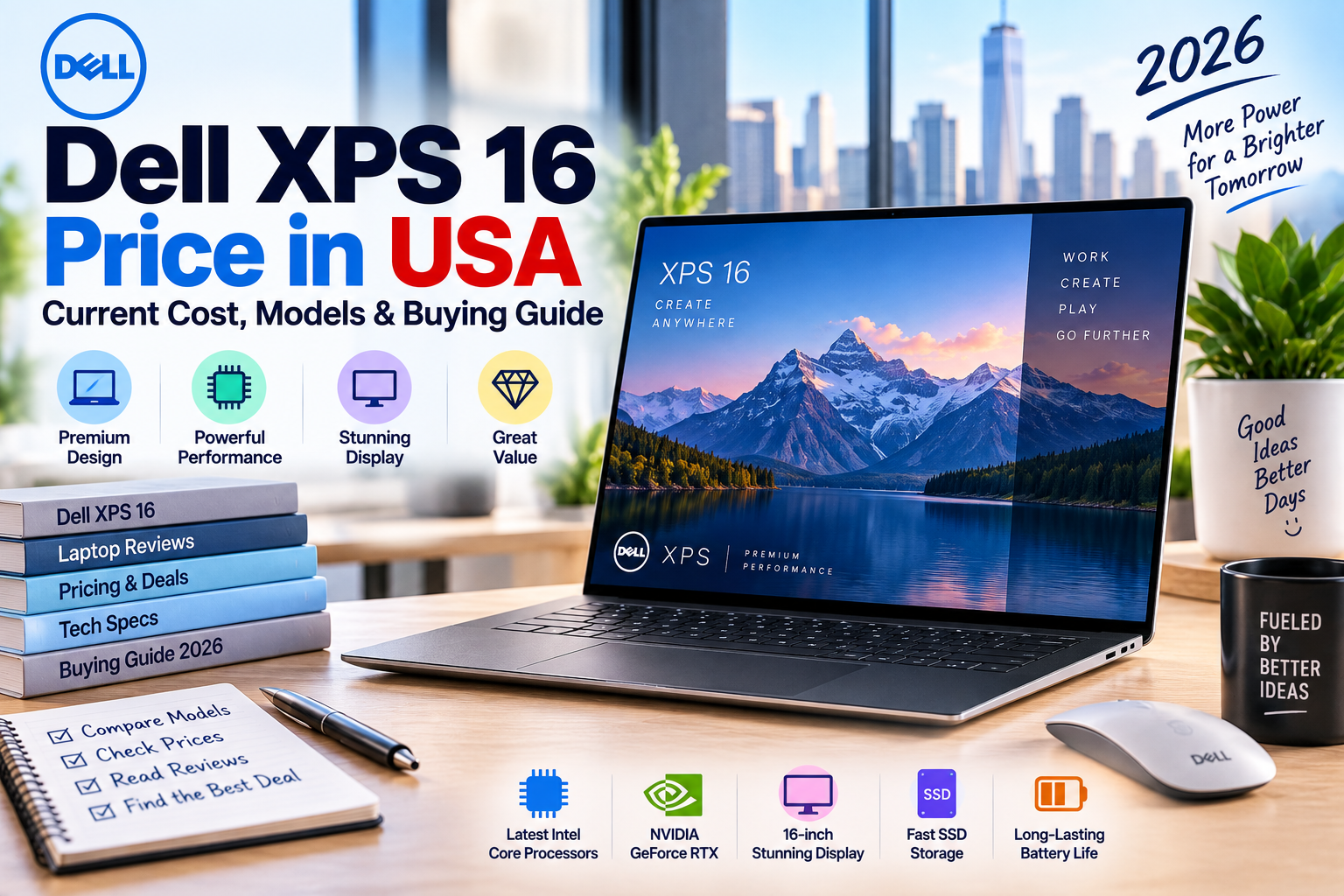
If you are checking the Dell XPS 16 price in the USA, expect to pay roughly $2,080 to $4,000 or more for the latest 2026 models, depending on the processor, RAM, storage, display, and configuration.
Dell currently lists the new XPS 16 starting at $2,079.99 for a preconfigured configuration, while higher-end configurations can reach $3,999.99. Some retailer listings for previous-generation XPS 16 models are available around $3,050–$3,200.
Quick Answer: How Much Is the Dell XPS 16?
The Dell XPS 16 price in the USA starts at about $2,079.99 for a current 2026 configuration from Dell.
A more powerful setup with a Core Ultra X7 processor, 32GB RAM, 1TB SSD, and a 3.2K OLED touchscreen can cost around $2,780–$3,100, depending on the current configuration and retailer. Higher-end customized versions can approach $4,000.
| Dell XPS 16 configuration | Typical current price |
|---|---|
| Entry current XPS 16 | $2,079.99+ |
| Core Ultra 7, 16GB, 1TB | Around $2,650 |
| Core Ultra X7, 32GB, 1TB | Around $2,780–$3,100 |
| Higher-end configurations | $3,000–$4,000+ |
| Previous-generation RTX configurations | Around $3,050–$3,200 |
Prices can change quickly because Dell frequently changes configurations and promotions.
Dell XPS 16 Price Range in the USA
The XPS 16 is positioned as a premium large-screen laptop rather than a budget or mainstream notebook.
For the current 2026 model, Dell’s XPS lineup lists the XPS 16 starting at $2,079.99. Dell also has configurations priced at $2,339.99, $2,649.99, $2,779.99, $2,899.99, $3,299.99, and higher depending on hardware.
This means a realistic budget for a new XPS 16 is:
- $2,000–$2,500: entry and mid-level configurations
- $2,500–$3,000: stronger processors and upgraded memory/display
- $3,000–$3,500: premium configurations
- $3,500–$4,000+: high-end custom builds
The final price depends heavily on the selected processor, memory, storage, display, operating system, and other options.
Current Dell XPS 16 Starting Price
Dell currently lists the new XPS 16, model DA16260, with a starting price of $2,079.99. Dell describes this as the lowest available price for a preconfigured base configuration.
One current configuration at $2,079.99 uses the Intel Core Ultra 5 Processor 325. Dell also offers Core Ultra 7, Core Ultra X7, and Core Ultra X9 processors as you move into more expensive configurations.
The XPS 16 is designed around a large 16-inch display while keeping the chassis relatively thin. Dell lists a starting weight of about 3.65 pounds for the OLED version and 3.85 pounds for the 2K LCD version.
Dell XPS 16 $2,600 Configuration
One current Dell configuration is listed at $2,649.99.
This configuration includes:
- Intel Core Ultra 7 355
- Windows 11 Home
- 16GB LPDDR5X memory
- 1TB SSD
- 16-inch 2K non-touch display
- Intel graphics
- 70Wh battery
Dell lists this configuration at $2,649.99 on its U.S. store.
For many users, this price level makes more sense than immediately moving to the most expensive XPS 16 configuration.
Dell XPS 16 OLED Price
The OLED version costs more than the standard 2K LCD configuration.
Dell offers a 16-inch 3.2K OLED touchscreen with a 20–120Hz refresh range and 400-nit brightness on certain configurations.
A current configuration with:
- Core Ultra X7 358H
- 32GB LPDDR5X
- 1TB SSD
- 3.2K OLED touchscreen
- Intel Arc graphics
is listed around $2,780–$3,000+, depending on the exact configuration and promotion.
Best Buy currently lists a similar 2026 XPS 16 with Core Ultra X7 358H, 32GB memory, 1TB storage, and a 3.2K OLED touchscreen at $3,099.99.
Dell XPS 16 Specs at a Glance
The current XPS 16 offers several hardware choices.
| Feature | Current XPS 16 options |
|---|---|
| Screen | 16-inch |
| LCD resolution | 1920 × 1200 |
| OLED resolution | 3.2K |
| OLED refresh rate | 20–120Hz |
| Processor | Intel Core Ultra 5, 7, X7, X9 |
| RAM | 16GB, 32GB, up to 64GB |
| Storage | 512GB, 1TB and higher options |
| Graphics | Intel Graphics / Intel Arc |
| Wireless | Wi-Fi 7 |
| Battery | 70Wh |
| Webcam | Up to 8MP/4K HDR |
| Weight | Starting around 3.65 lb |
| Ports | 3 × Thunderbolt 4 USB-C |
The exact specifications depend on the configuration you purchase.
Is the Dell XPS 16 Good for Work?
Yes. The XPS 16 is particularly well suited to demanding productivity work.
The large display gives you more room for spreadsheets, documents, browser tabs, development tools, and creative applications. Higher-memory configurations are also useful if you regularly keep many applications open.
For office and professional work, I would look for at least:
- 16GB RAM
- 512GB or 1TB SSD
- Core Ultra 7 if you regularly perform demanding tasks
- 2K display for general productivity
- OLED if display quality is especially important
For heavier professional workloads, 32GB RAM is a better long-term choice.
Is the Dell XPS 16 Good for Video Editing?
The XPS 16 can be a strong laptop for video editing, especially when configured with more RAM and a faster processor.
A 16-inch high-resolution display provides a useful workspace for editing timelines, preview windows, and editing panels.
For serious video work, consider:
32GB RAM + 1TB or larger SSD + higher-end processor.
However, buyers should pay close attention to the graphics configuration. The current 2026 XPS 16 lineup emphasizes Intel graphics and Arc graphics, while some previous-generation XPS 16 configurations used NVIDIA RTX GPUs.
If your workflow depends heavily on GPU rendering, CUDA applications, or GPU-intensive 3D workloads, compare the exact GPU before purchasing.
Dell XPS 16 for Gaming
The XPS 16 is not primarily marketed as a gaming laptop.
Previous-generation XPS 16 configurations were available with NVIDIA RTX graphics, including RTX 5050, RTX 5060, and RTX 5070 options.
Retailers also continue to list some 2025 XPS 16 models with dedicated NVIDIA graphics. For example, Best Buy has listed XPS 16 configurations with an Intel Core Ultra 9 285H, RTX 5060, 32GB RAM, and 1TB SSD around $3,050–$3,100.
If gaming is your main reason for buying a laptop, a dedicated gaming model may provide better value. But if you want a premium professional laptop that can also handle gaming, an RTX-equipped XPS 16 configuration can be worth considering.
Dell XPS 16 16GB vs 32GB RAM
RAM is one of the most important choices when configuring an XPS 16.
16GB RAM
16GB is enough for:
- Web browsing
- Microsoft Office
- School work
- Business applications
- Programming
- General photo editing
- Normal multitasking
For everyday users, 16GB keeps the initial purchase price lower.
32GB RAM
32GB is better for:
- Video editing
- Large creative projects
- Software development
- Virtual machines
- Heavy multitasking
- Professional applications
- Long-term use
If you are already spending more than $2,000 on an XPS 16, 32GB can be a sensible upgrade if your workload requires it.
Dell XPS 16 1TB vs 2TB Storage
The XPS 16 is available with different SSD capacities depending on the configuration.
A 1TB SSD is a good starting point for most professional users. It gives you enough space for applications, documents, photos, and a moderate video library.
Consider 2TB or more if you regularly store:
- 4K video
- Large photo libraries
- Game installations
- Virtual machines
- Large project files
Storage upgrades can become expensive when configured directly through a premium laptop manufacturer, so compare the price difference before ordering.
Dell XPS 16 Display Options
The display is one of the biggest reasons to consider the XPS 16.
Current configurations include a 16-inch 2K non-touch display and a 3.2K OLED touchscreen. The OLED configuration offers a 20–120Hz refresh range and 400-nit brightness.
2K display
The 2K option is better if you want to control the purchase price while still getting a large, high-resolution screen.
3.2K OLED
The OLED option makes more sense if you prioritize:
- Movies
- Photography
- Video editing
- Rich contrast
- Touch input
- Premium display quality
For normal office work, you do not necessarily need to pay extra for OLED.
Dell XPS 16 vs MacBook Pro
The XPS 16 and MacBook Pro target similar premium laptop buyers, but they take different approaches.
| Feature | Dell XPS 16 | MacBook Pro |
|---|---|---|
| Operating system | Windows 11 | macOS |
| Screen size | 16-inch | 14/16-inch options |
| Touchscreen | Available on some XPS configurations | No |
| Processor | Intel Core Ultra family | Apple silicon |
| Gaming | Better Windows compatibility | More limited |
| Windows software | Excellent | Requires alternatives/virtualization for some apps |
| Design | Premium aluminum | Premium aluminum |
| Configuration choice | Broad | More streamlined |
Choose the XPS 16 if you prefer Windows, PC software, touchscreen options, or broader hardware flexibility.
Choose a MacBook Pro if you already prefer macOS and want Apple’s hardware/software ecosystem.
Dell XPS 16 vs Dell XPS 13
The XPS 13 is much smaller and cheaper.
Dell’s current XPS 13 starts at $699.99, while the XPS 16 starts at $2,079.99.
That is a major price difference.
Choose the XPS 13 if you want:
- Lower cost
- Better portability
- Smaller size
- Lightweight everyday computing
Choose the XPS 16 if you want:
- A large screen
- More performance options
- More workspace
- Premium creative-work capability
- A desktop-like laptop experience
Is Dell XPS 16 Worth the Price?
The XPS 16 can be worth the price if you actually need its combination of large display, premium construction, high-end processors, and powerful configurations.
It is harder to justify if your needs are limited to email, browsing, Word, streaming, and basic schoolwork.
For basic tasks, a $700–$1,200 laptop can provide excellent value.
But if you are a professional user, developer, creator, photographer, or demanding multitasker, the XPS 16’s larger screen and higher-end configurations can make sense.
What Makes the Dell XPS 16 Expensive?
Several factors contribute to the price.
Premium chassis
The XPS 16 uses a CNC-machined aluminum construction and premium materials. Dell also uses Gorilla Glass components in certain areas.
Large high-resolution display
A 16-inch panel costs more than a standard 14-inch or 15.6-inch laptop display, particularly when upgrading to 3.2K OLED.
High-end processors
Dell offers multiple Intel Core Ultra processor levels, including X7 and X9 options.
Higher memory configurations
Moving from 16GB to 32GB or 64GB increases the cost.
Premium design
The XPS line is positioned above Dell’s mainstream Inspiron products, so you are paying for design, materials, display choices, and premium hardware.
How to Get a Better Dell XPS 16 Price
You do not always need to pay Dell’s highest listed price.
Check Dell promotions
Dell regularly changes prices and offers discounts on selected configurations. Current XPS 16 listings already show discounts on some configurations.
Compare retailers
Check Dell and major U.S. retailers before ordering. Current Best Buy listings show both 2025 and 2026 XPS 16 configurations, with prices around $2,950–$3,200 for selected models.
Compare the complete configuration
Never compare two XPS 16 prices without checking:
- Processor
- RAM
- SSD
- Display
- GPU
- Windows edition
- Warranty
- Included services
A $200 cheaper laptop may have significantly less RAM or a lower-resolution display.
Consider previous-generation models
A previous-generation XPS 16 can provide better value when retailers discount remaining inventory.
For example, current retailer listings still include 2025 configurations with Core Ultra 9 and RTX 5060 graphics around $3,050–$3,100.
Additional Costs to Consider
The laptop price is not always the final amount you pay.
Depending on the seller and location, remember to account for:
- Sales tax
- Shipping, if applicable
- Extended warranty
- Microsoft 365 subscription
- USB-C accessories
- External monitor
- Docking station
- External storage
- Laptop bag
- Replacement or additional chargers
Sales tax varies by U.S. state and locality, so a listed $2,500 laptop will not necessarily cost exactly $2,500 at checkout.
Frequently Asked Questions
How much does a Dell XPS 16 cost in the USA?
The current Dell XPS 16 starts at about $2,079.99. Higher configurations can cost $3,000–$4,000 or more depending on the processor, memory, storage, and display.
What is the cheapest Dell XPS 16?
The current 2026 XPS 16 starts at $2,079.99 for a preconfigured base configuration listed by Dell.
How much is a Dell XPS 16 with OLED?
Current 3.2K OLED configurations can cost roughly $2,800–$3,100+, depending on hardware and retailer. Best Buy currently lists a 2026 Core Ultra X7, 32GB, 1TB OLED configuration at $3,099.99.
Is Dell XPS 16 good for students?
Yes, but it may be more laptop than many students need. If your work involves engineering, programming, design, video editing, or demanding applications, the XPS 16 can be useful. For basic coursework, a less expensive XPS 13 or another midrange laptop may offer better value.
Is Dell XPS 16 good for video editing?
Yes. Its large high-resolution display, fast processors, and high-memory configurations make it suitable for many video-editing workflows. For GPU-heavy applications, however, check the exact graphics configuration before buying.
Can Dell XPS 16 be used for gaming?
Yes, especially previous-generation configurations equipped with NVIDIA RTX graphics. However, the XPS 16 is designed primarily as a premium productivity and creator laptop rather than a dedicated gaming machine.
Does the Dell XPS 16 have a touchscreen?
Some configurations have a 3.2K OLED touchscreen, while others use a 2K non-touch display. Check the exact configuration before ordering.
Is Dell XPS 16 worth buying in 2026?
It can be worth buying if you need a premium large-screen Windows laptop and have a budget of roughly $2,000 or more. For basic computing, there are much cheaper alternatives.
Bottom Line
The Dell XPS 16 price in the USA starts at about $2,079.99 in 2026, with many configurations falling between $2,500 and $3,500. The most expensive configurations can reach approximately $4,000.
For most demanding users, a configuration with 32GB RAM and 1TB SSD is a strong target. If display quality matters most, the 3.2K OLED touchscreen is the premium option.
If you only need a laptop for browsing, office work, school, or streaming, the XPS 16 is likely more expensive than necessary. But for professional Windows users who want a large premium display, strong performance, and a high-end build, it remains one of Dell’s most premium laptop options.
Price checked: September 15, 2026. Prices can change based on Dell promotions, configuration, retailer, sales tax, and availability.