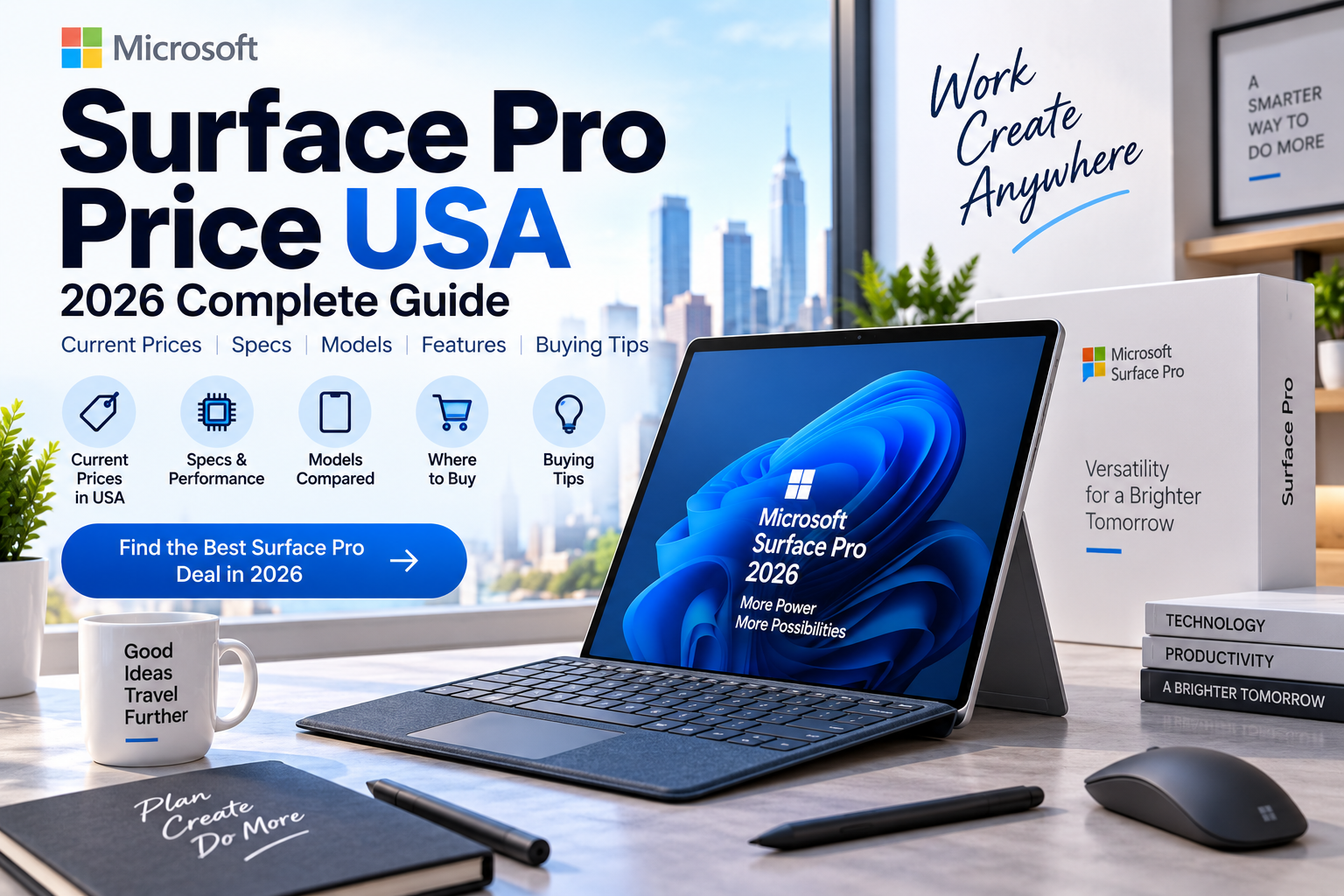
The Microsoft Surface Pro price in the USA currently starts at about $749.99 for the 12-inch Surface Pro and $1,499.99 for the 13-inch Surface Pro 12th Edition. Microsoft is also selling the previous Surface Pro 11th Edition from $1,299.99.
Surface Pro is Microsoft’s 2-in-1 Windows computer that works as both a tablet and laptop. It has a touchscreen, built-in kickstand, detachable keyboard support, and pen support, making it useful for students, professionals, remote workers, and people who want a highly portable Windows PC.
As of September 15, 2026, the actual price depends on the screen size, processor, RAM, SSD storage, and whether you buy the keyboard and other accessories separately.
Quick Answer: How Much Does Surface Pro Cost in the USA?
Here are the current starting prices from Microsoft’s U.S. Store:
| Surface Pro Model | Starting Price |
|---|---|
| Surface Pro 12-inch 1st Edition | $749.99 |
| Surface Pro 13-inch 11th Edition | $1,299.99 |
| Surface Pro 13-inch 12th Edition | $1,499.99 |
| Surface Pro 12-inch certified refurbished | From about $648 |
| Surface Pro with higher storage | $1,500–$2,000+ |
| Higher-end configurations | $2,000+ |
Microsoft currently lists the 12-inch Surface Pro from $749.99, while the current 13-inch 12th Edition starts at $1,499.99.
Current Surface Pro Prices in the USA
Microsoft’s current U.S. Surface lineup includes several generations and screen sizes.
The Surface Pro 12-inch 1st Edition starts at $749.99. Microsoft describes it as its lightest and most flexible Surface Pro, powered by a Snapdragon X Plus processor.
The Surface Pro 13-inch 12th Edition starts at $1,499.99. Microsoft offers Snapdragon X2 Plus and Snapdragon X2 Elite configurations, with LCD and OLED display options depending on the configuration.
Microsoft also lists the Surface Pro 13-inch 11th Edition from $1,299.99, giving buyers an older-generation alternative.
Surface Pro 12-Inch Price USA
The 12-inch Surface Pro is currently the most affordable new Surface Pro option in Microsoft’s U.S. lineup.
The starting price is $749.99. Microsoft also lists the original price at $849.99 and shows a current $100 discount.
The 12-inch model is designed for portability.
It can be useful for:
- Students
- Travelers
- Remote workers
- Office workers
- Note-taking
- Web browsing
- Microsoft 365
- Video calls
- Light creative work
- General Windows applications
The compact screen makes it easier to carry than a larger traditional laptop.
Surface Pro 13-Inch Price USA
The current 13-inch 12th Edition starts at $1,499.99.
Microsoft’s configuration page shows:
- Snapdragon X2 Plus, 10-core, LCD
- Snapdragon X2 Elite, 12-core, OLED
- 16GB RAM
- 256GB SSD starting configuration
- 16GB RAM / 512GB SSD
- 16GB RAM / 1TB SSD
The 13-inch model is available with higher configurations that push the price substantially above the starting level.
Surface Pro 11th Edition Price
The Surface Pro 11th Edition remains listed by Microsoft at a starting price of $1,299.99.
Because it is an older generation compared with the current 12th Edition, it can be worth considering if you find a significant discount.
However, compare the actual processor, RAM, storage, display, warranty, and final price before choosing the older model.
Surface Pro Price by Budget
| Budget | What You Can Expect |
|---|---|
| Under $800 | Surface Pro 12-inch |
| $800–$1,000 | Higher 12-inch configurations |
| $1,000–$1,300 | Older-generation or upgraded models |
| $1,300–$1,500 | Surface Pro 11th Edition or higher configurations |
| $1,500–$2,000 | Surface Pro 13-inch 12th Edition |
| $2,000+ | Higher RAM/storage configurations |
These ranges can change with Microsoft promotions and retailer discounts.
Does Surface Pro Include a Keyboard?
Not necessarily.
This is one of the most important things to understand when calculating the real Surface Pro price.
The Surface Pro is a tablet-style computer, and its keyboard is generally sold separately.
Microsoft’s current 12-inch configuration page explicitly presents the keyboard as an optional purchase.
Therefore, a Surface Pro advertised at $749.99 does not necessarily mean you have a complete laptop-style setup at that price.
You may need to add:
- Surface Pro Keyboard
- Surface Slim Pen
- Mouse
- Other accessories
Surface Pro Price With Keyboard
Your actual setup cost can therefore be higher than the advertised device price.
For example:
| Item | Cost |
|---|---|
| Surface Pro 12-inch | From $749.99 |
| Keyboard | Additional |
| Surface Slim Pen | Additional |
| Mouse | Optional |
| Microsoft 365 | Optional |
Microsoft sells Surface accessories separately, although bundles and retailer promotions can sometimes reduce the total cost.
Always check whether the specific listing includes a keyboard before comparing prices.
Surface Pro vs Laptop
Surface Pro has a unique design because it starts as a tablet and becomes a laptop when you attach a keyboard.
| Feature | Surface Pro | Traditional Laptop |
|---|---|---|
| Touchscreen | Yes | Model dependent |
| Detachable keyboard | Yes | No |
| Tablet mode | Excellent | Limited |
| Kickstand | Yes | No |
| Portability | Excellent | Varies |
| Keyboard included | Usually separate | Yes |
| Pen support | Yes | Model dependent |
| Upgradeability | Limited | Varies |
Surface Pro is particularly attractive if you frequently switch between typing, handwriting, drawing, reading, and tablet use.
Is Surface Pro Good for Students?
Yes.
The Surface Pro can be a strong student computer because it combines portability with Windows compatibility.
Students can use it for:
- Microsoft Word
- PowerPoint
- OneNote
- Research
- Online classes
- Note-taking
- PDF reading
- Web browsing
- Video calls
- Programming
- Presentations
The touchscreen and optional pen are particularly useful for handwritten notes and annotations.
The main consideration is the additional keyboard cost.
Surface Pro for Business
Surface Pro can also work well for business users who travel frequently.
Its compact design makes it useful for:
- Meetings
- Presentations
- Remote work
- Business travel
- Microsoft 365
- CRM applications
- Web applications
- Video conferences
The 13-inch version is more comfortable for long productivity sessions, while the 12-inch model prioritizes portability.
Surface Pro for Remote Work
For remote work, pay particular attention to the accessories you need.
A good setup may include:
- Surface Pro
- Keyboard
- Mouse
- External monitor
- Dock
- Webcam or headset
- External storage
Although the Surface Pro has a built-in display and camera, an external monitor can improve productivity when working with multiple applications.
Surface Pro Display
Display quality is one of the major differences between configurations.
The current 13-inch 12th Edition is available with LCD and OLED display options, depending on the processor configuration. Microsoft’s configuration page lists both Snapdragon X2 Plus LCD and Snapdragon X2 Elite OLED choices.
An OLED configuration may be more attractive if you care about:
- Contrast
- Black levels
- Movies
- Photos
- Creative work
- Premium display quality
An LCD model can make more sense if price and battery efficiency are higher priorities.
Surface Pro Storage Options
Storage is another major factor affecting the final price.
Current configurations include options such as:
- 256GB SSD
- 512GB SSD
- 1TB SSD
Microsoft’s 13-inch 12th Edition page currently shows the 16GB/256GB configuration at $1,499.99, 16GB/512GB at $1,599.99, and 1TB configurations at higher prices, with some promotional pricing available.
256GB
Suitable for:
- Office work
- Browsing
- Schoolwork
- Cloud storage users
512GB
A better choice for many users who keep more applications and files locally.
1TB
Useful for:
- Large projects
- Photos
- Video
- Creative work
- Development
- Large local file collections
Surface Pro RAM
Microsoft’s current 13-inch 12th Edition configurations start with 16GB RAM.
For ordinary productivity, 16GB is a sensible amount.
More memory can be useful for heavier multitasking and professional workloads, but the right configuration depends on the applications you use.
Surface Pro Battery Life
Battery life varies by model, processor, display, workload, brightness, and software.
Microsoft’s current 13-inch 12th Edition specifications list up to 15.5 hours of local video playback and up to 11.5 hours of active web usage under Microsoft’s specified testing conditions.
Real-world battery life can be different, particularly during demanding workloads.
Surface Pro Weight
Portability is one of the strongest reasons to choose Surface Pro.
Microsoft lists the 13-inch 12th Edition at approximately 1.97 pounds (895 grams) before accounting for the detachable keyboard.
That makes the tablet itself substantially lighter than many traditional laptops.
Once you add the keyboard and accessories, the total carrying weight increases.
Surface Pro Ports
The current 13-inch 12th Edition includes:
- 2 × USB-C / USB4 ports
- Surface Connect port
- Surface Pro keyboard connection
Microsoft also lists Wi-Fi 7 and cameras including a 1440p ultrawide front camera and 10MP rear camera.
If you regularly connect external storage, monitors, Ethernet, or other devices, you may want a USB-C hub or dock.
Surface Pro for Drawing and Note-Taking
Surface Pro has long been popular with users who want a Windows tablet that supports pen input.
It can be useful for:
- Handwritten notes
- Sketching
- Digital art
- PDF annotation
- Diagramming
- Signatures
- Classroom work
However, remember that the pen may be an additional purchase depending on the package you select.
Surface Pro for Programming
Surface Pro can be a capable development machine.
It supports Windows development tools and can run applications such as:
- Visual Studio
- Visual Studio Code
- Git
- Python
- Java
- JavaScript
- Web development environments
Developers should check software compatibility when choosing an ARM-based Surface model, particularly if they depend on older x86-only applications, drivers, or specialized tools.
Surface Pro for Gaming
Surface Pro is not primarily a gaming machine.
Some games can run well, but the compact design and integrated graphics focus on portability rather than high-end gaming.
If gaming is your primary requirement, a dedicated gaming laptop or desktop is usually a better choice.
Surface Pro vs iPad Pro
These devices serve different purposes.
| Feature | Surface Pro | iPad Pro |
|---|---|---|
| Operating system | Windows | iPadOS |
| Desktop Windows apps | Yes | No |
| Tablet experience | Strong | Excellent |
| Keyboard option | Yes | Yes |
| Pen | Surface Slim Pen | Apple Pencil |
| Business software | Broad Windows support | iPad apps |
| File management | Windows | iPadOS |
Choose Surface Pro if you need Windows desktop applications while still wanting a tablet-style design.
Surface Pro 12-Inch vs 13-Inch
The two current sizes target different users.
Surface Pro 12-Inch
Best for:
- Maximum portability
- Students
- Travel
- Reading
- Note-taking
- Basic productivity
Surface Pro 13-Inch
Best for:
- Professional work
- Larger workspace
- Multitasking
- Creative applications
- Longer typing sessions
- Users who want a more traditional laptop-like experience
The 13-inch model costs more, but the larger display can make productivity more comfortable.
Where to Buy Surface Pro in the USA
You can buy Surface Pro from:
- Microsoft Store
- Best Buy
- Amazon
- Walmart
- Costco
- Other authorized retailers
Microsoft’s own store is useful for comparing current configurations, accessories, trade-in options, and promotions. Its current Surface collection shows the 12-inch and 13-inch models alongside older-generation products.
How to Get the Best Surface Pro Price
Before buying, compare the complete configuration.
Check:
- Surface Pro generation
- Screen size
- Processor
- RAM
- SSD storage
- LCD vs OLED
- Keyboard included or not
- Pen included or not
- Warranty
- New vs refurbished condition
- Retailer promotion
- Final price after tax
A $749.99 Surface Pro may appear much cheaper than a $1,200 laptop, but the total cost can change after adding a keyboard and other accessories.
Should You Buy a Refurbished Surface Pro?
A certified refurbished Surface Pro can be worth considering if the price difference is substantial.
Microsoft currently lists a certified refurbished Surface Pro 12-inch 1st Edition from $648, compared with $749.99 for a new model.
Before buying refurbished, check:
- Warranty
- Battery condition
- Return policy
- Exact configuration
- Storage
- RAM
- Cosmetic condition
- Included accessories
A small discount may not be worth sacrificing warranty coverage or condition.
Is Surface Pro Worth the Price?
Surface Pro makes the most sense for people who specifically want its 2-in-1 design.
It is a strong option if you want:
- Windows
- Touchscreen
- Tablet mode
- Laptop mode
- Pen support
- High portability
- Built-in kickstand
If you only want a conventional laptop, a traditional Windows laptop may offer better value because its keyboard and trackpad are already included.
Microsoft Surface Pro Price USA: FAQs
How much does Microsoft Surface Pro cost in the USA?
The current Surface Pro starts at $749.99 for the 12-inch model. The 13-inch 12th Edition starts at $1,499.99.
Is Surface Pro a laptop or tablet?
It is a 2-in-1 Windows PC that can work as both a tablet and laptop when paired with its detachable keyboard.
Does Surface Pro come with a keyboard?
Not necessarily. The keyboard is an optional accessory on current models, so check the individual listing before buying.
Does Surface Pro come with a pen?
The Surface Slim Pen is generally sold separately unless the specific bundle includes it.
Is Surface Pro good for college?
Yes. It is well suited to note-taking, research, Microsoft Office, presentations, online classes, and general student work.
Is Surface Pro good for business?
Yes. Its portability, Windows compatibility, touchscreen, and optional keyboard make it useful for mobile professionals and business users.
How much is the Surface Pro 13-inch?
The current Surface Pro 13-inch 12th Edition starts at $1,499.99 in the United States.
How much is the Surface Pro 12-inch?
The current Surface Pro 12-inch starts at $749.99 in Microsoft’s U.S. Store.
Is Surface Pro good for gaming?
It can handle some games, but it is primarily designed for portability and productivity rather than high-end gaming.
Is Surface Pro worth buying?
It is worth considering if you specifically want a Windows tablet that can become a laptop. If you don’t need the detachable design, a conventional laptop may offer better value.
Bottom Line
The Microsoft Surface Pro price in the USA currently starts at $749.99 for the 12-inch model and $1,499.99 for the current 13-inch 12th Edition.
The 12-inch model is the better choice for buyers who prioritize portability and affordability, while the 13-inch model is more suitable for professional productivity and users who want a larger workspace.
Remember that the keyboard and some other accessories are sold separately, so calculate the complete setup price before comparing Surface Pro with conventional laptops.
Price checked: September 15, 2026. Prices can change because of configurations, Microsoft promotions, retailer discounts, availability, taxes, and accessories.