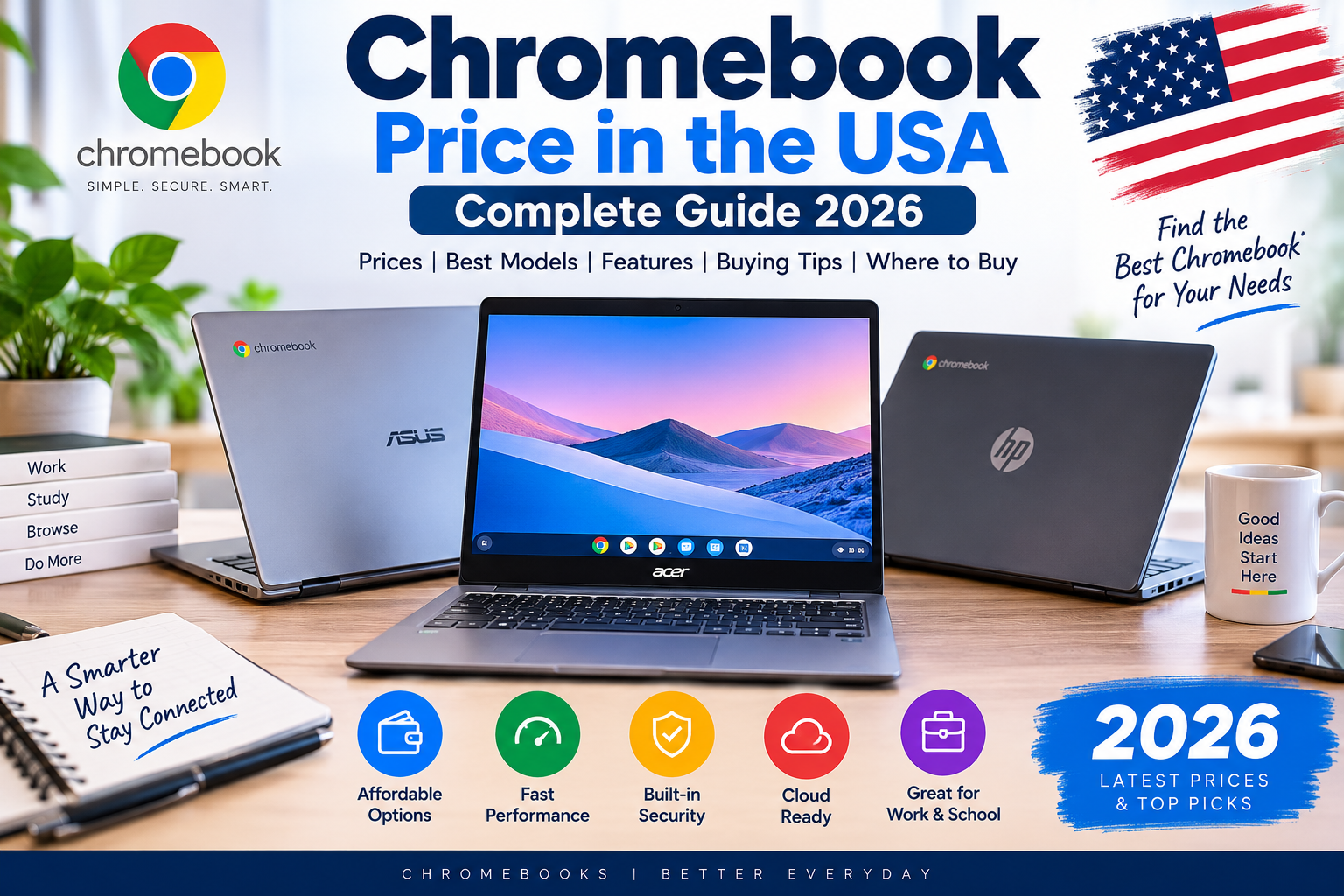
Chromebook prices in the USA can range from under $200 to well above $700, depending on the model, processor, display, memory, storage, and Chromebook Plus features.
Unlike traditional Windows laptops, Chromebooks run ChromeOS and are designed primarily around web applications, Google services, cloud storage, and simple computing. That makes them especially popular with students, families, and users who want an affordable computer.
Current Google US listings show Chromebooks ranging from entry-level models such as the Acer Chromebook 315 from $179 to premium Chromebook Plus models from companies including Lenovo and Samsung starting around $749.
Quick Answer
A typical Chromebook price in the USA is around $200 to $800, although cheaper and more expensive configurations exist.
For basic schoolwork, a $250–$400 Chromebook can be enough. For better performance, display quality, and multitasking, Chromebook Plus models around $400–$600 are worth considering.
Premium Chromebook Plus devices can cost around $700–$800 or more.
Chromebook Price Range
| Chromebook Category | Approx. US Price |
|---|---|
| Basic Chromebook | $179–$300 |
| Mid-range Chromebook | $300–$500 |
| Chromebook Plus | $400–$650 |
| Premium Chromebook Plus | $650–$800+ |
| High-end/premium models | $800+ |
Prices vary by retailer, configuration, and promotions.
Cheapest Chromebook Prices
If your main goal is affordability, basic Chromebooks can cost under $300.
Google’s US Chromebook store currently lists the Acer Chromebook 315 from $179.
These low-cost machines are generally intended for browsing, email, online schoolwork, streaming, and basic documents.
The main compromise is performance. Entry-level models may have limited RAM and storage, so they are not ideal for heavy multitasking.
Chromebook Price Around $300
The $300 range is often where Chromebooks become more comfortable for everyday users.
You can find larger displays, better processors, improved keyboards, and more storage than some entry-level machines.
The ASUS Chromebook Plus CX34, for example, is listed by Google’s US Chromebook shopping page from $369.
For students and home users, this can be a good middle ground.
Chromebook Price Around $400–$500
This is one of the most attractive Chromebook price ranges.
At around $400–$500, you can start looking for Chromebook Plus devices with better processors, 8GB or more RAM, and improved displays.
Google currently lists the Acer Chromebook Plus 515 from $429.99 and the Acer Chromebook Plus 516 from $479.
Current US reviews also highlight the Acer Chromebook Plus 515 around the $399 level as an attractive budget Chromebook.
Chromebook Plus vs Regular Chromebook
Chromebook Plus is designed for users who want stronger hardware and additional capabilities compared with basic Chromebooks.
The difference can include better processors, more memory, better displays, and enhanced Google features.
If you frequently multitask, use many browser tabs, participate in video meetings, or work with more demanding web applications, Chromebook Plus can be worth the extra money.
Lenovo Chromebook Plus
Lenovo is one of the important brands in the Chromebook Plus market.
Google currently lists the Lenovo Chromebook Plus 14 from $749, with configurations including 16GB RAM and 256GB storage.
This moves Lenovo into the premium Chromebook category.
A buyer spending this much should carefully compare it with similarly priced Windows laptops and MacBooks because ChromeOS may not support every desktop application.
Samsung Galaxy Chromebook Plus
Samsung’s Galaxy Chromebook Plus is another premium option.
Samsung’s US store currently lists a 15.6-inch Galaxy Chromebook Plus with 8GB RAM and 256GB storage at $774.99.
The large display makes it attractive for productivity and media consumption.
However, at this price, shoppers should think carefully about whether ChromeOS provides everything they need.
Chromebook for Students
Chromebooks are especially popular for students because they are generally simple to operate and well suited to browser-based school platforms.
For school use, look for:
- 8GB RAM
- 128GB or 256GB storage
- Full HD display
- Good webcam
- Comfortable keyboard
- Strong battery life
- Automatic software updates
A cheap Chromebook can be enough for writing assignments and web research.
Chromebook for Work
Chromebooks can work well for people whose jobs are based primarily on web applications.
Google Workspace, Microsoft 365 web applications, communication tools, cloud storage, and browser-based business software can all work well.
However, check application requirements before purchasing.
If your job requires full Adobe applications, specialized engineering software, certain Windows-only programs, or advanced desktop tools, a Windows or Mac laptop may be safer.
How Much Chromebook Storage Do You Need?
Chromebooks often use cloud storage more heavily than traditional Windows laptops.
For basic use, 64GB or 128GB can be enough.
For users who download files, save videos, use Android applications, or want more local storage, 256GB is preferable.
The right amount depends on your workflow.
How Much RAM Should a Chromebook Have?
4GB RAM may be sufficient for very basic use, but 8GB is a better target.
If you frequently keep many tabs open or use demanding applications, 16GB can be useful.
Premium Chromebook Plus models can provide 16GB RAM, which is much more attractive for multitasking.
Are Expensive Chromebooks Worth It?
Not always.
One important rule is that you should not assume an $800 Chromebook is automatically better value than an $800 Windows laptop.
ChromeOS is excellent for the right user, but it has a narrower software environment.
If your computing needs are primarily browser-based, an expensive Chromebook can still make sense because of its simplicity, battery life, display, and portability.
Chromebook vs Windows Laptop
Choose a Chromebook if:
- You mainly use a browser
- You use Google Workspace
- You want simple maintenance
- You want a low-cost computer
- You are buying for basic schoolwork
Choose Windows if:
- You need desktop applications
- You play PC games
- You use specialized professional software
- You need broader hardware compatibility
- You want more control over local applications
Chromebook Price: What Is the Sweet Spot?
For many US buyers, the $300–$500 range is the most sensible.
You can spend less for basic tasks, but extremely cheap models may have significant performance limitations.
You can spend $700–$800 for premium Chromebook Plus models, but at that point you should compare alternatives carefully.
How to Get a Better Chromebook Price
Check Google, manufacturer stores, Best Buy, Amazon, Walmart, and other major US retailers.
Also check the exact model number.
Chromebook prices can change significantly during back-to-school periods and major sales events.
Do not compare only the advertised discount. Compare the final configuration.
Final Verdict
Chromebook prices in the USA start at around $179 for basic models and can reach $700–$800 or more for premium Chromebook Plus devices.
For most students and casual users, spending around $300–$500 can provide the best balance.
For premium users, Lenovo and Samsung offer higher-end Chromebook Plus machines, but buyers should make sure ChromeOS supports their required software before spending $700 or more.
FAQs
How much does a Chromebook cost in the USA?
Chromebooks can cost roughly $179 to $800+, depending on specifications and brand.
What is the best Chromebook price range?
For many buyers, $300–$500 is a good target for balancing price and performance.
Is a $200 Chromebook worth buying?
Yes, if you only need browsing, email, streaming, and simple schoolwork.
Is Chromebook Plus worth it?
It can be worthwhile if you need better performance, more RAM, and stronger multitasking.
Can a Chromebook replace a Windows laptop?
For web-based work, often yes. For specialized Windows software and PC gaming, usually no.